NFC or QR: Google review codes for restaurants
Google says more reviews help your Maps ranking. One QR per server.
MX$700/mo per location · 30 days free
How it works
From your logo to a guest’s rating in three steps.
-
1
You add your servers
Create your account. Each server gets a QR right away.
-
2
Each server shows theirs
Every QR is keyed to one server.
-
3
Guests scan
A rating screen opens on their phone in about 10 seconds. They choose Google or a private note.
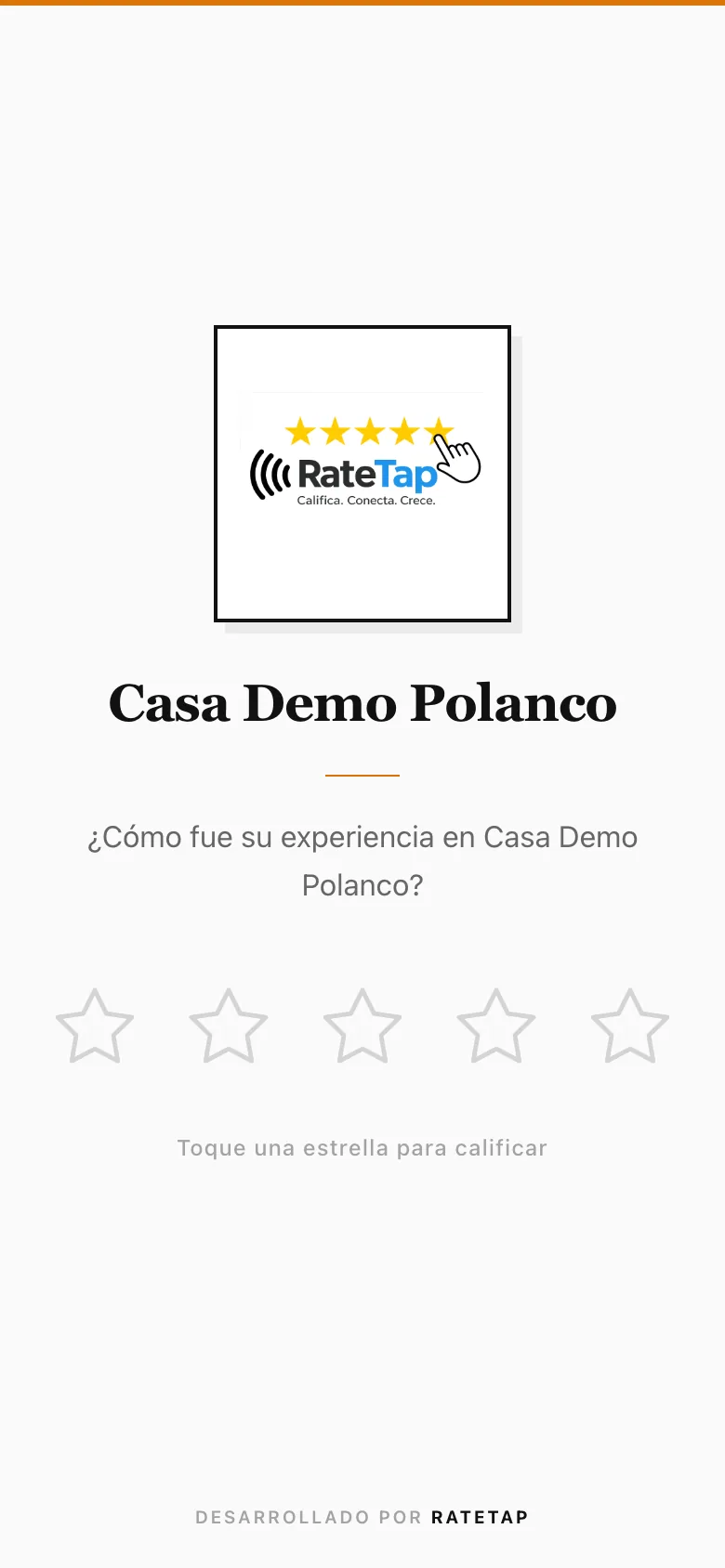
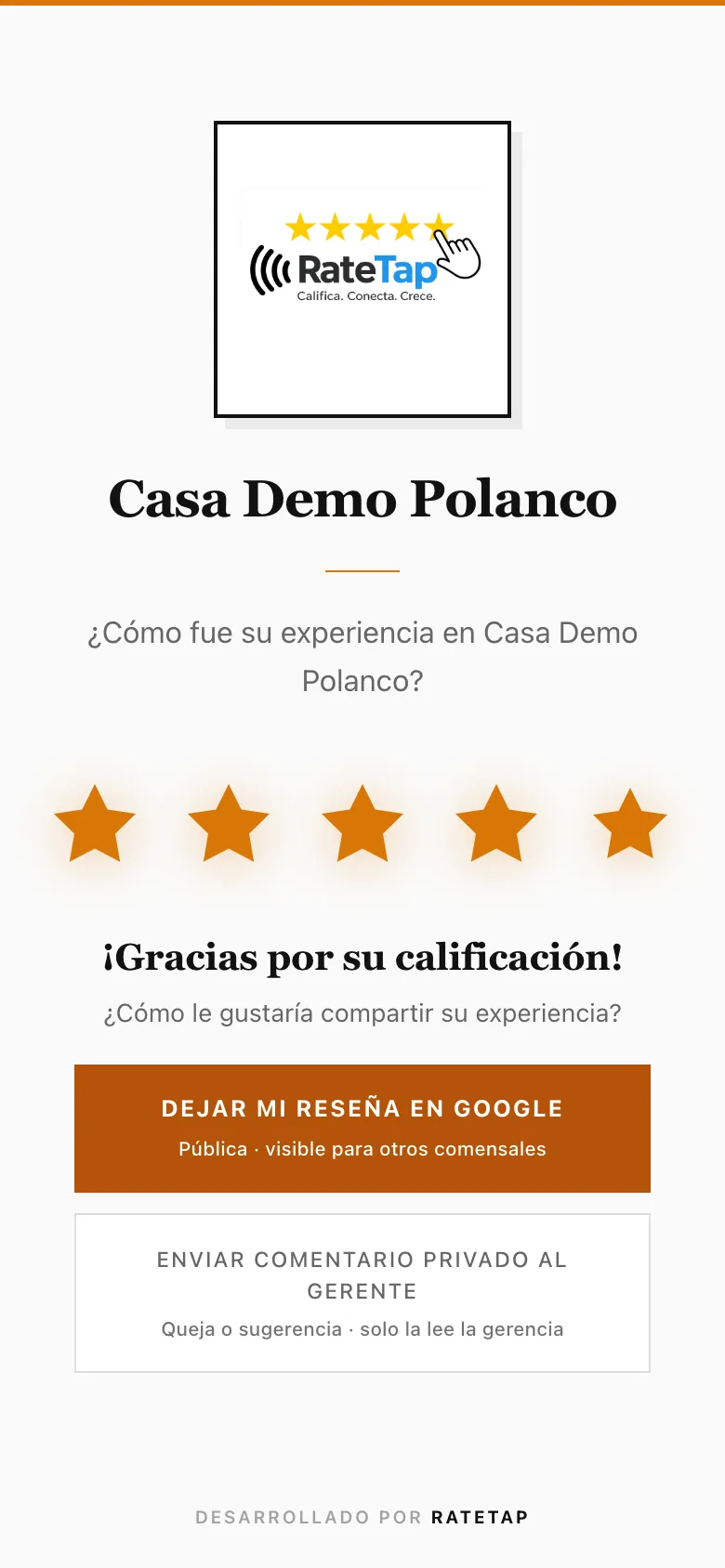
App in Spanish. Look at: rate, then choose Google or private.
NFC card or QR code?
QR codes work on any phone, with no app.
| Feature | QR per server |
|---|---|
| Works on any phone | |
| Guests rate in about 10 seconds | |
| Tied to one server | |
| Guest chooses Google or a private note | |
| No app to install |
Results from 12 restaurants
See case studies and methodology.
Common questions
30 days free, no credit card. Then MX$700/month per location. No setup fee.
You create your account and add your servers. Each one gets a QR right away.
Any phone with a camera. QR codes work on any phone, with no app.